

NOW ON iOS AND ANDROID
HeyGen Video 1
is now on your phone
Wherever you are, type a prompt or pick a photo and get a cinematic video in seconds.


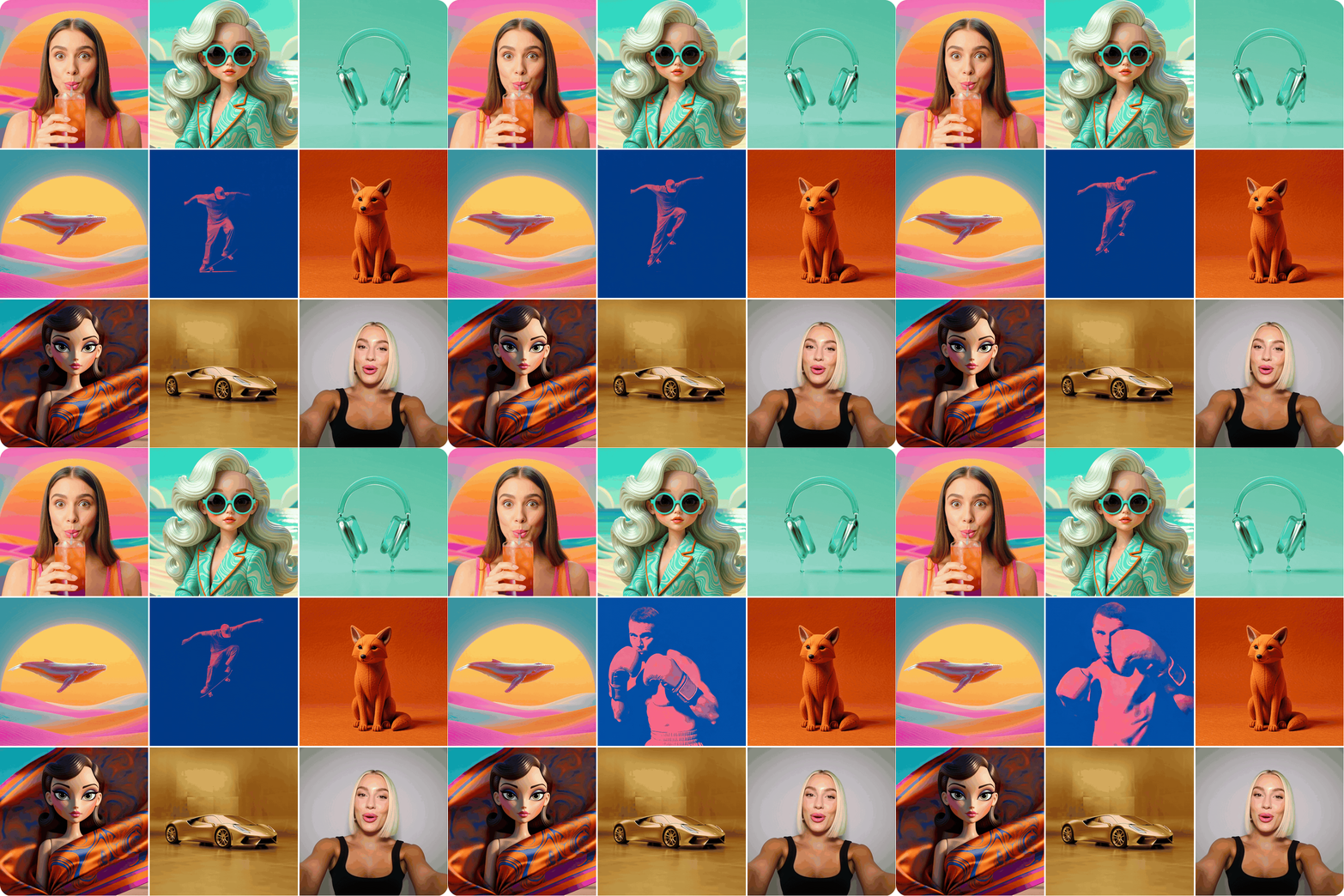
Made on a phone. Every one of these comes from HeyGen Video 1.
Hi Golino,
It's been a little while since you were last in HeyGen. The biggest thing that's new is HeyGen Video 1, our general-purpose video model, now in the HeyGen app on iOS and Android.
Make your first one
1
In the HeyGen mobile app, go to Apps, then Video tools, and open Creative Studio.
2
Describe your shot, or tap Add to use an avatar or your own images and videos.
3
Check that HeyGen Video is selected and tap the arrow. When it's ready, share it straight from the app.
Need an idea? Try this one from our launch film.
“A skateboarder pops an ollie, duotone blue and coral pink, screen-print style”
Excited to see what you'll create,
The HeyGen Team
Discord YouTube X LinkedIn Facebook
About Us Help Center Privacy Policy Message preferences Unsubscribe
© 2026 HeyGen, 12130 Millennium Drive, Suite 300, Los Angeles, CA 90094

没有评论:
发表评论